Free
$0
Forever, no account.
- All features, unrestricted
- Exports up to 5 pages
- Unlimited imports, selections, merges

Split, merge, reorder PDFs. Nothing leaves your device.
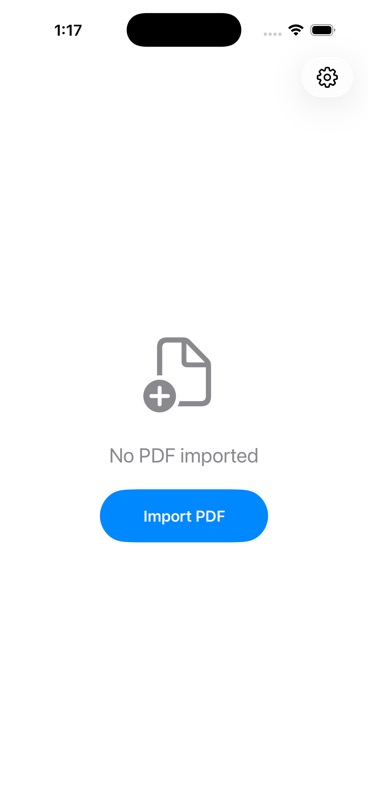
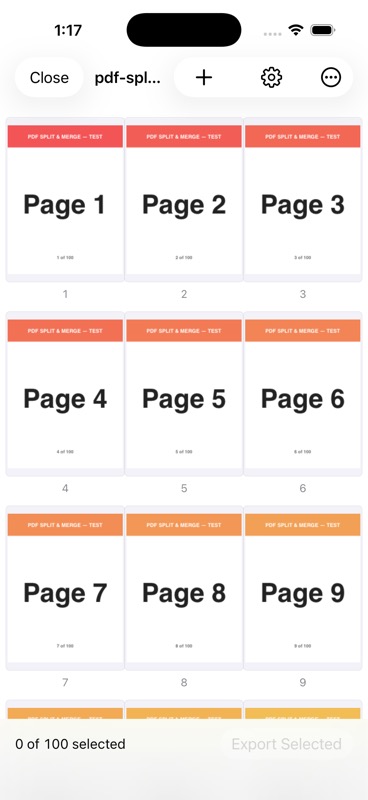
The simple iPhone tool for working with PDF pages. Open a PDF, see every page as a thumbnail, pick the ones you want, export. That’s it.
Pulls from Files. No upload, no sync, no copy off-device.
One scrollable grid. Every page visible at a glance.
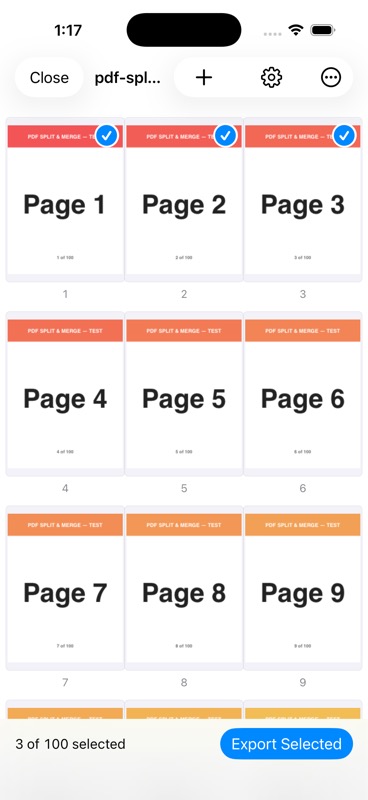
The interaction is the whole point. No menus to dig through.
Selected pages become a new PDF, handed to the system share sheet.
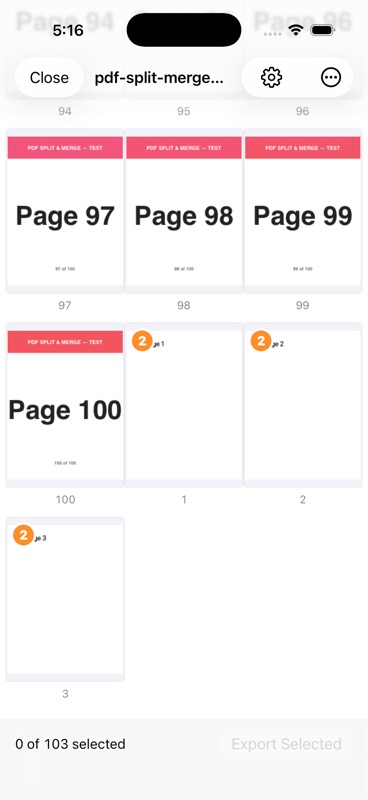
Combine documents in one tap. Reorder freely before export.
Slim down a document without leaving the grid.
Captured on a real iPhone running the build. No mockups.
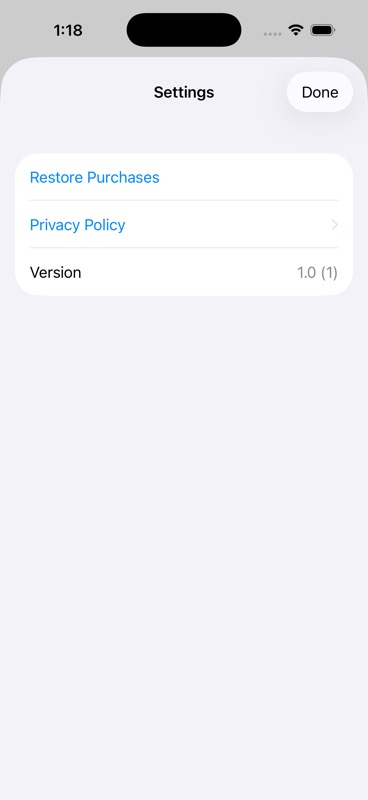
Apple’s App Privacy questionnaire is answered Data Not Collected for every category. The app talks to Apple’s StoreKit servers to verify the one-time purchase. That’s the whole network surface. Read the full privacy policy.
$0
Forever, no account.
$2.99 one-time
Pay once. Yours forever.
Handled by Apple via StoreKit 2. We never see your card or your Apple ID.

Built on a pure Apple stack: SwiftUI, PDFKit, StoreKit 2, Foundation. No third-party Swift packages. iOS 18+. iPhone first.